
WinWin Bangladesh Support and Customer Service
Need help right now? WinWin customer support runs 24/7 to guide you, resolve issues, and provide consultation. Contact options include live chat, phone, email, and messaging apps in Bangla or English.
Average response times: chat 1–3 minutes, phone 1–5 minutes, email 2–12 hours, messaging 10–30 minutes.
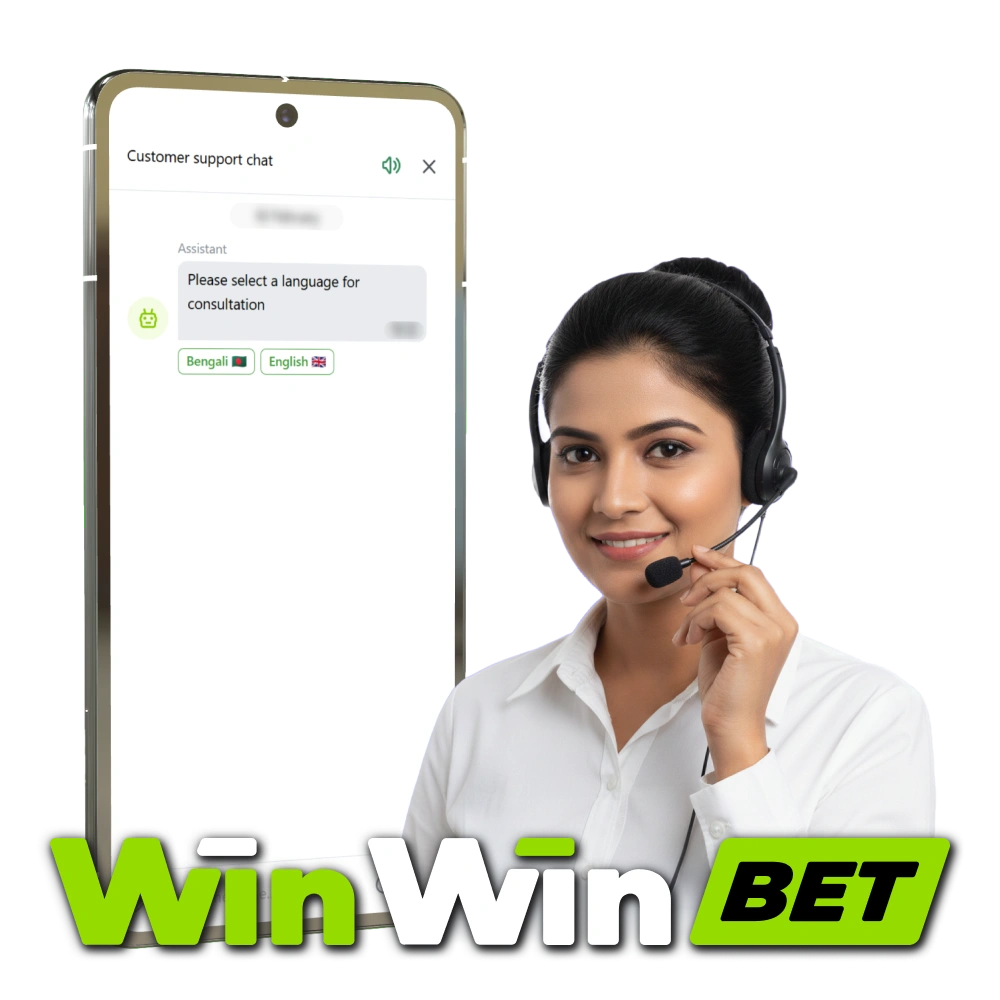
Live Chat Support
Live chat is the fastest way to get help. WinWin live support connects you to an agent in real time.
- How to start: On the website, tap the chat icon at the bottom-right. In the app, go to Profile > Support > Live Chat. If the widget does not load, refresh the page or relaunch the app.
- Best for: login trouble, KYC checks, deposit or withdrawal status (bKash, Nagad, Rocket), bonus questions, bet settlement queries, password reset, account settings.
- Hours and language: 24/7, in Bangla and English.
- Expected reply: first response in 1–3 minutes. Complex cases may take longer while the agent reviews your account.
- Tips for faster answers: keep your account ID and registered phone or email ready. Describe the issue in one short message. Attach screenshots of errors, transaction IDs, or bet IDs. Share device and network info (Android/iOS, Wi‑Fi or mobile data, ISP). Stay in the chat for follow-ups and avoid opening duplicate chats.
Email Support
Email is best for detailed questions or document reviews. It helps when you need a written trail.
- How to send: use your registered email address. Send to the verified support email shown in the Help Centre or website footer. Include your username, account ID, country (Bangladesh), and a reachable phone number.
- Best for: KYC submission or recheck, payment investigations, responsible play limit requests, formal complaints, and detailed technical reports.
- Addresses and categories: use the general support email for most topics. For KYC or payments, select the right category in the contact form or use the dedicated mailbox shown there. Suggested subject tags: [KYC], [Payments], [Technical], [Bonus], [Complaint].
- Response time: 2–12 hours for most emails. Complex reviews can take 24–48 hours.
- Tips for faster handling: write a clear subject line. List steps to reproduce the issue. Attach files in JPG or PDF under 10 MB. Include transaction IDs, bet IDs, timestamps (BST), and device details. Reply in the same thread and avoid opening multiple tickets.
Phone Support
Phone support gives direct help by voice. It is useful when you need quick action.
- How to call: log in and go to Support > Call to view the current Bangladesh helpline number and whether it is a local rate or free number. Calls may be recorded for security.
- Best for: urgent payment blocks, account lockouts, security concerns, time-sensitive bet settlement, and responsible play limit changes.
- Helpline details: helpline number 24/7 for Bangladesh routes you to the support team. If you are abroad, use the international support number shown in the app. Toll-free options are shown where available.
- Wait times: usually 1–3 minutes to connect. Most issues are handled on the call. Some cases may need a follow-up.
- Tips: have your username, date of birth, last deposit method, and recent transaction ID ready. Call during off-peak hours (03:00–09:00 BST) for faster pickup. Call from your registered number when possible.
Technical Support
Technical support handles app, website, game, and payment errors. It focuses on stable play and secure transactions.
- How to reach: start a chat and choose Technical Support, or email using the Technical category in the Help Centre. You will get a ticket ID.
- Issues handled: login loops, OTP or 2FA not arriving, app not opening, game freezing or lagging, bet slip not loading, bKash or Nagad deposit not posting, withdrawal stuck, verification upload errors, and support for game malfunctions.
- Contacts: priority chat queue for technical cases. Email is used when logs are needed. A live status page link is visible in Help during wider incidents.
- Timeframes: initial triage in 15–30 minutes. Fixes typically 2–24 hours. Third-party payment or game provider escalations can take up to 72 hours. You will receive progress updates.
- Tips: include error screenshots or short screen recordings. Add timestamp (BST), device model, OS version, app or browser version, IP or ISP, transaction ID, and bet ID. List the steps that trigger the issue.
VIP and Priority Support
VIP and high-tier players receive priority help and faster routing.
- How to access: open the VIP hub in the app to start a priority chat, email the VIP mailbox, or request a call back from a manager.
- Who qualifies: tiers shown in your profile. Entry may be invite-only or based on play history and verified deposits.
- Contacts: dedicated VIP support email, priority chat link, and a priority support number for Bangladesh if available. All details appear in the VIP hub.
- Response times: chat under 60 seconds. Call back within 15 minutes. Email responses in 1–2 hours.
- Tips: keep KYC level 2 or higher verified. Set your preferred contact window and number. Note upcoming high-value withdrawals or limits so the team can prepare.

Updated:
Social Media and Messaging Support
Messaging apps are convenient for quick questions. Use only verified channels.